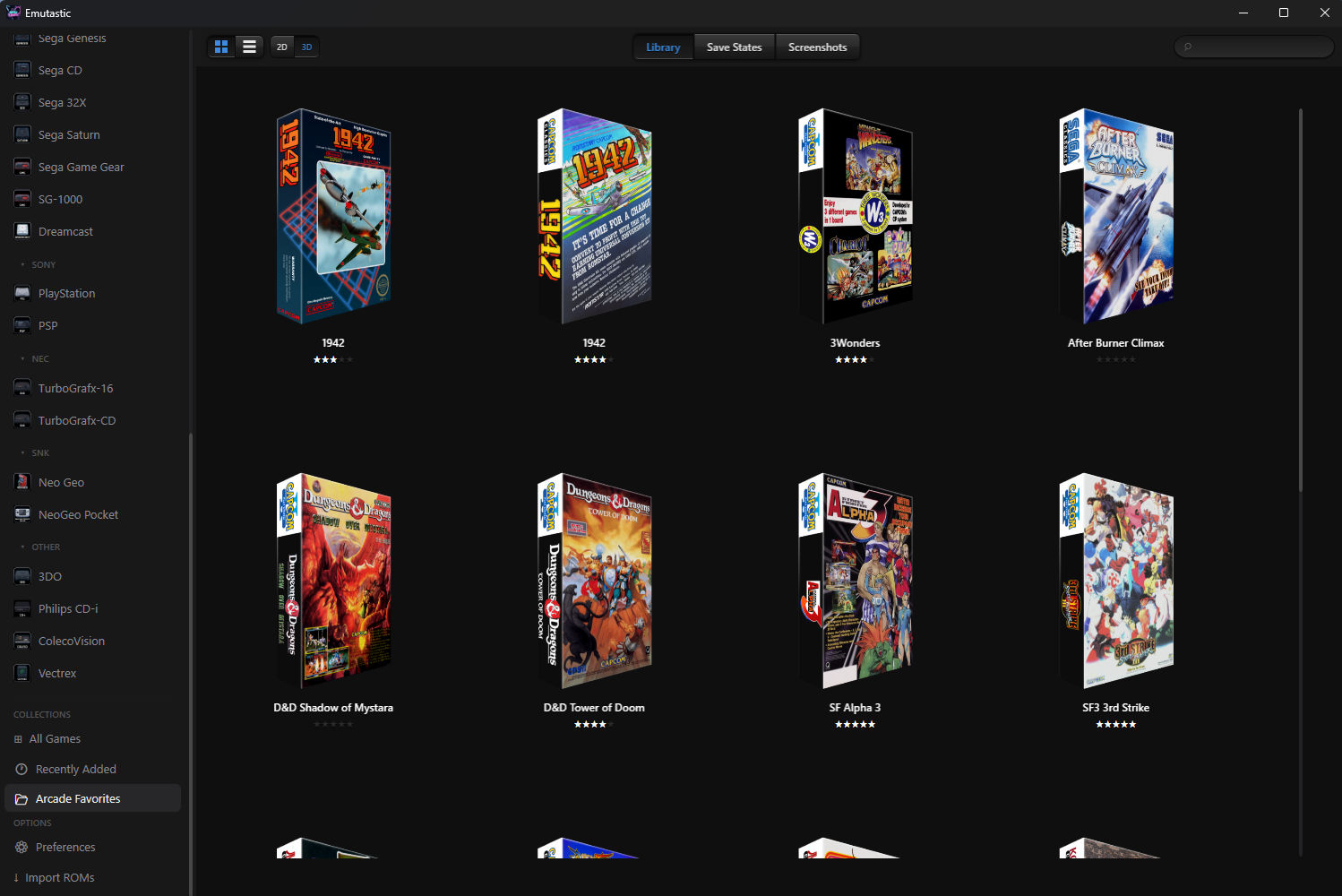
One app for over 30 retro consoles. Import your games, grab artwork automatically, earn achievements, and start playing.
Linux: .deb package for Debian, Ubuntu, and derivatives — Arch Linux via the AUR (yay -S emutastic-bin) — portable tar.gz for other distributions. Mac: self-contained .app bundle for Apple Silicon (macOS 13+) — early preview, see below.
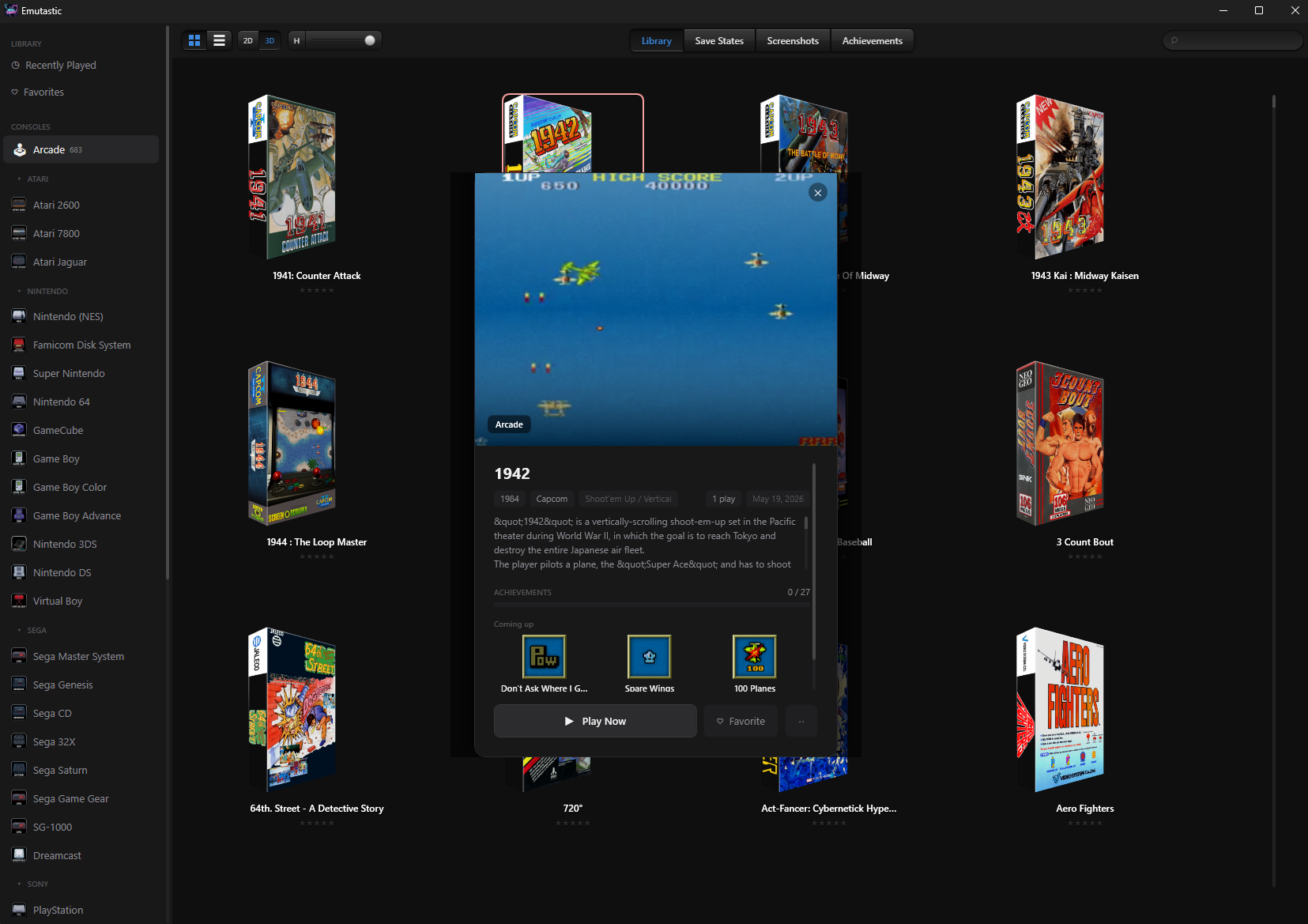
Every game gets a detail card with developer, publisher, year, genre, and a synopsis — pulled automatically from ScreenScraper and OpenVGDB. Hit play and you're in. No loaders, no setup tour.
Sign in once with your retroachievements.org account and every supported game tracks progress. Earned badges show right on the detail card — no separate tab to check, no overlay to dismiss.
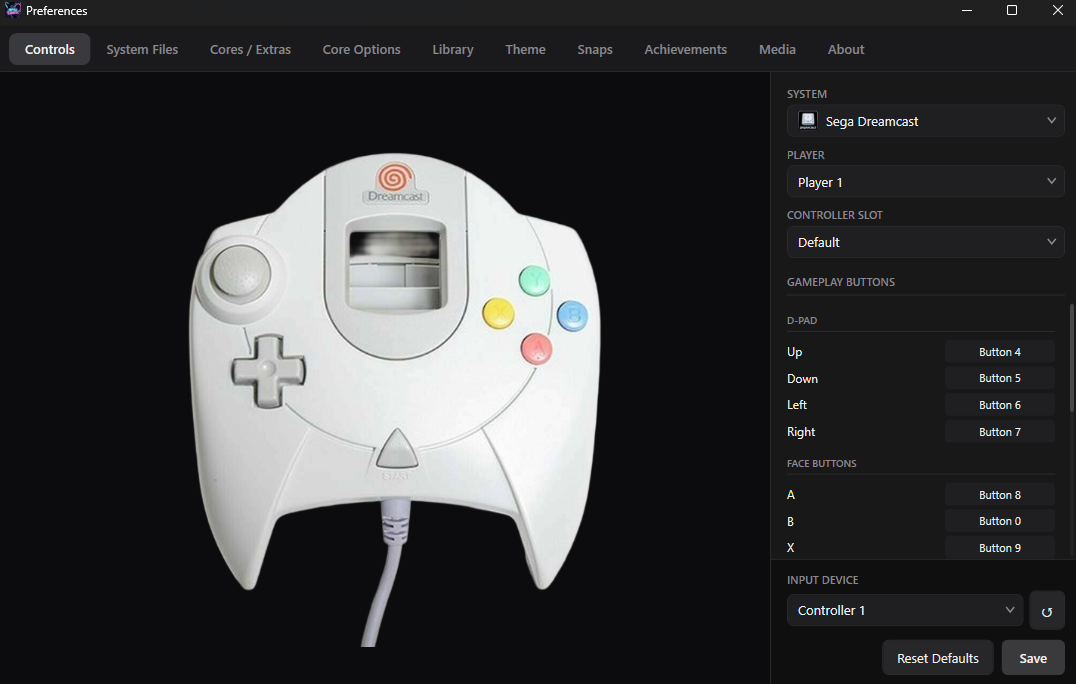
Each system gets its own controller diagram and binding panel. Map any gamepad button to any console input visually, with real controller names detected via SDL3 instead of generic "Controller 1, 2, 3."
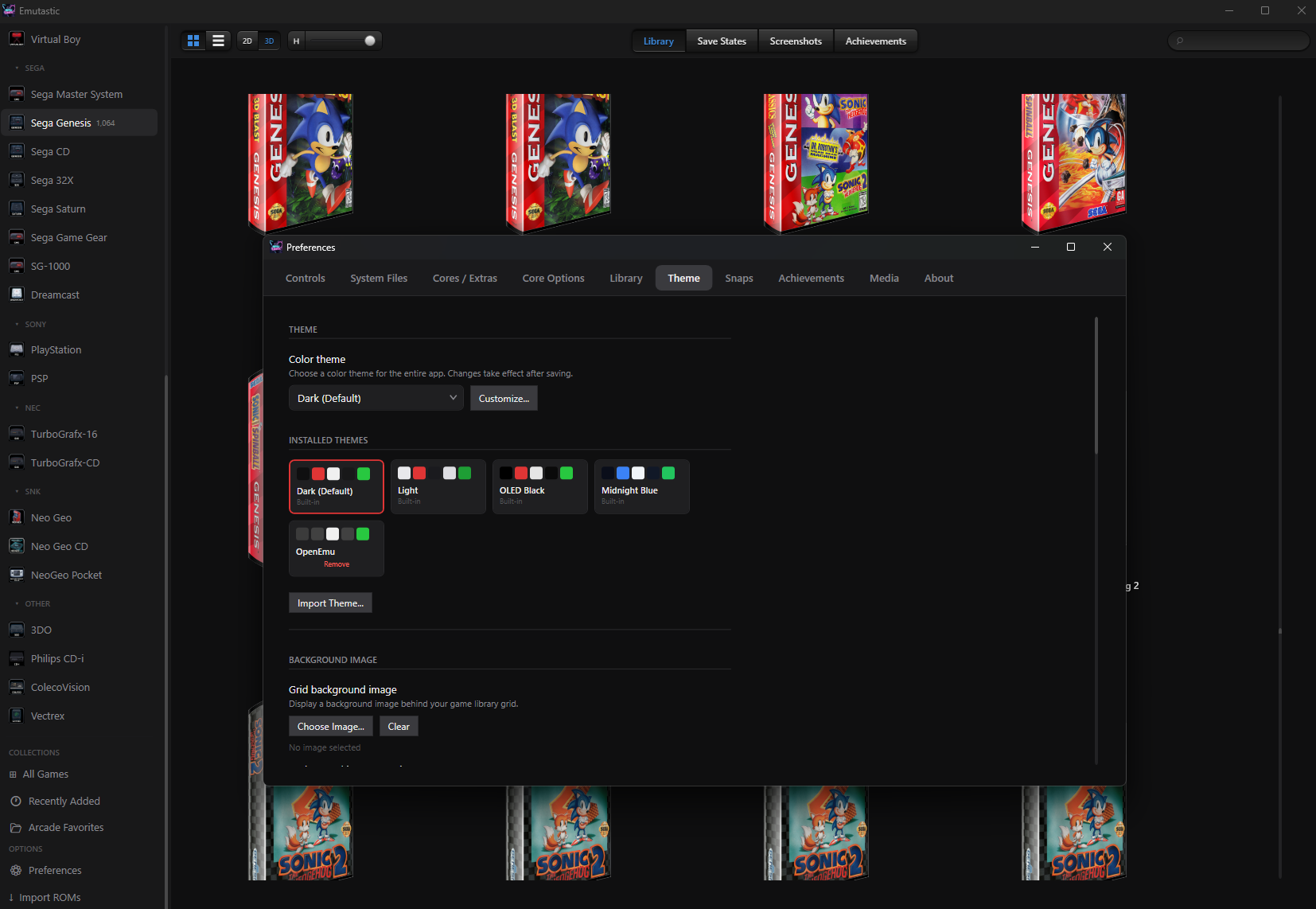
Four built-in themes plus a visual editor with live color sliders. Export themes as .emutheme files to share, or import ones the community has made.
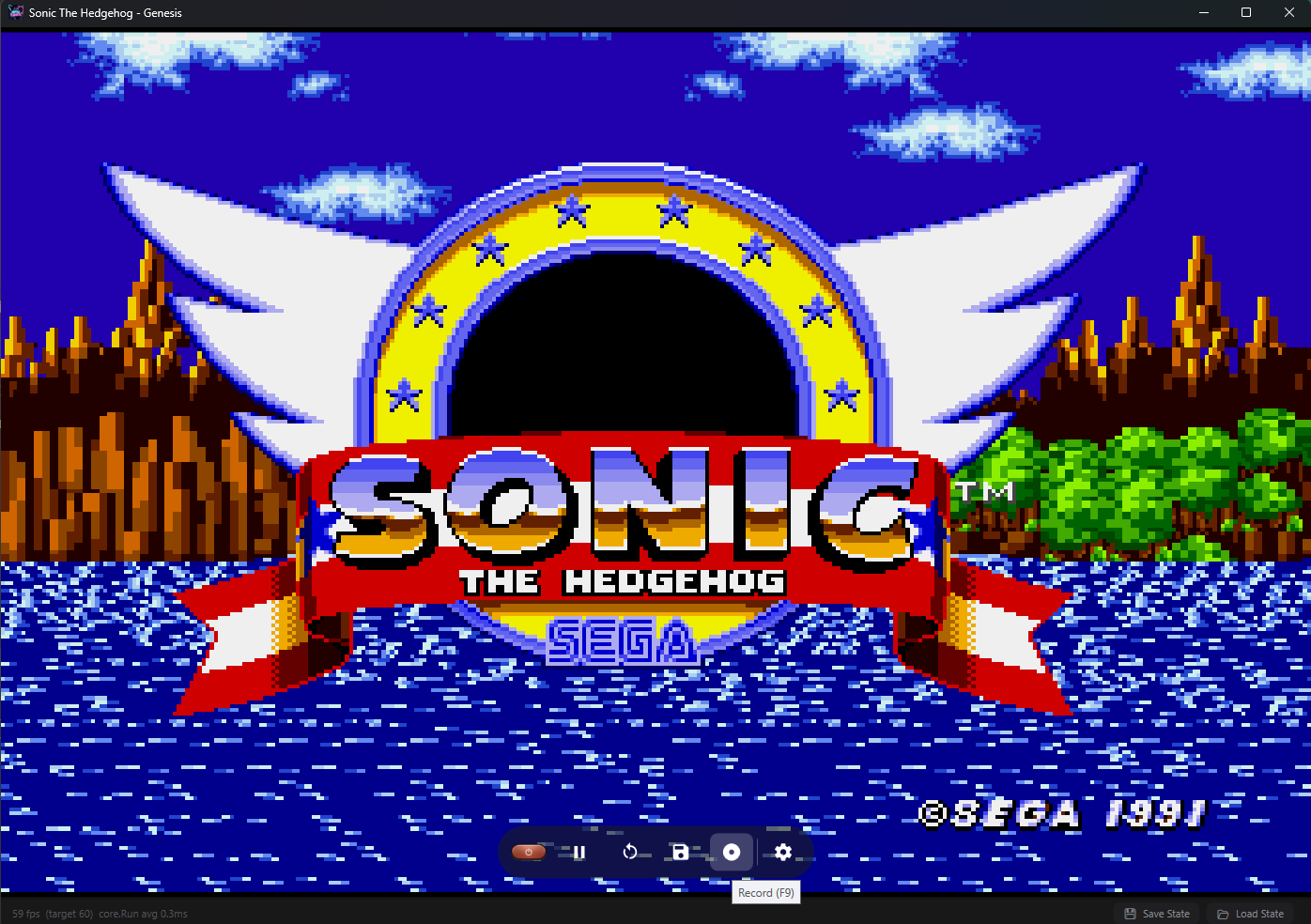
Capture gameplay clips with a single hotkey. Files land in a per-game folder so screenshots, recordings, and saves all stay organized in one place.
Mark games as favorites or organize them into collections. The library can be filtered to whichever slice you're in the mood for — a custom mix-and-match without rearranging files on disk.
Eight ZSNES-inspired pause effects — scanlines, matrix rain, halftone, and more. Pick your favorite in Preferences or rotate through them.
EmuTV turns Emutastic into a couch-first console interface — browse your whole library, launch games, and load save states with only a controller, no keyboard or mouse. Think Steam Big Picture or LaunchBox Big Box, built for your TV.
It renders ES-DE themes out of the box — carousels, wheels, grids, box art, and metadata — so your shelf looks exactly how you want it. Same Emutastic underneath; a completely different experience on the couch. Available on Windows, Linux, and Mac.
Earn achievements as you play via retroachievements.org — tracked across every supported system, with badges right on the detail card and on-screen toasts the moment you unlock them.
Four built-in themes plus a visual editor — background images, accent colors, and .emutheme export/import for sharing.
Gamepads detected automatically with real names via SDL3. Remap per system.
Mark favorites, build collections, and filter your library your way.
Box art, screenshots, and metadata pulled automatically — every game gets a cover in the library and a full detail card. No account needed to start.
Sign in with GitHub to sync battery saves and your library database across PCs, with optional AES-256-GCM encryption. Your saves live in a private repo you control.
Drop ROMs, disc images, or folders — console detection and organization happen automatically.
Save and load at any point, with multiple slots per game.
Disc images (.chd, .cue, .bin) identified via Redump SHA1 databases — no manual console picking.
Seven post-processing presets — CRT scanlines, Game Boy palettes, LCD grid, and more — saved per game.
Apply IPS, BPS, or UPS patches from the library. The hack becomes its own entry with its own saves; your original ROM stays untouched.
Download a game's PDF manual and read it in a built-in viewer that reopens on your last page. Requires a ScreenScraper login.
Free-form notes per game in a floating, pinnable editor that autosaves and rides your Cloud Sync backup.
Play count, total play time, and last played, tracked per game.
Windows: grab the zip from GitHub and extract — no installer. Linux: install the .deb (Debian/Ubuntu), build from the AUR on Arch (yay -S emutastic-bin), or extract the tar.gz. Mac (Apple Silicon): unzip and drag Emutastic.app to Applications — early preview.
Open Preferences and download cores for the systems you want.
Drag ROMs onto the library or use Import ROMs in the nav bar.
Click a game, hit Play. Artwork and achievements load automatically.
Emutastic is actively developed and tested by a small group of users. Core emulation is stable across more than 30 systems; you may run into rough edges as features get polished. The Linux port is newer and still catching up to the Windows app on a few features — see its GitHub page for current status. The Mac port is an early preview for Apple Silicon: the UI, theming, and library all run, but gameplay rendering, audio, and controllers are still being brought up — follow progress on its GitHub page. Bug reports and feedback welcome on GitHub.